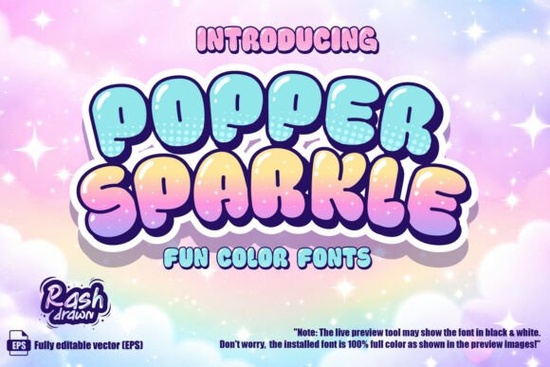
If you have ever spent hours manually coloring text or trying to get a glossy 3D effect just right, you know how frustrating it can be. The Popper Sparkle Font solves this by letting you type directly in full color. This color font blends playful bubble shapes with magical textures, giving your text an instant professional finish without the extra layering.
How does a color font actually save time?
Traditional typography requires you to duplicate layers, apply gradients, and add drop shadows to make text stand out. With a built-in color font, all those textures and gradients are embedded right into the typeface. When you type, the software renders the hexagonal patterns and star-studded gradients automatically. This means you can focus on your overall layout instead of tweaking individual letter effects. You simply select the text tool, choose the typeface, and start typing.
What kinds of projects work best with this style?
The playful bubble shapes and glossy finish make this typeface highly versatile for specific niches. It is especially useful for creators who need eye-catching text without spending hours in post-production. It works beautifully for:
- Print-on-demand apparel: T-shirts and hoodies aimed at kids or young adults looking for a fun, vibrant look.
- Party invitations: Baby showers, birthdays, and festive events that need a joyful, magical vibe.
- Social media graphics: Promotional posts that need to stand out on a busy, fast-scrolling feed.
- Sticker designs: The thick, rounded edges translate beautifully to physical die-cut stickers and planner inserts.
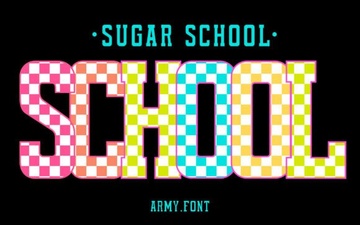
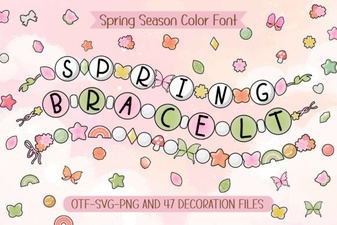
If you are working on a seasonal project and need a slightly different vibe, you might also want to look at the Spring Bracelet font for a fresher, floral aesthetic, or the Summer font when you need bright, warm tones for beach-themed merchandise. For younger audiences, the Sugar School font offers another great option for educational or playful materials.
Will it work with my current design software?
Color fonts rely on specific OpenType features, so compatibility depends on the program you use. Most modern design tools support them perfectly, but older software might struggle.
- Fully supported: Adobe Illustrator, Adobe Photoshop, and recent versions of CorelDRAW will display all the colors and gradients natively.
- Partially supported: Some older versions of InDesign or basic word processors might only show a flat black or single-color version of the letters.
Always check your software's documentation on OpenType SVG fonts if you do not see the colors immediately after typing. Updating your design programs to the latest version usually resolves any display issues.
How can I make the most of the textures?
Because the text already has a lot of visual weight and detail, it is best used for short phrases, headings, or single words. Using it for long paragraphs will make the text difficult to read and overwhelm your design. Pair it with a clean, simple sans-serif typeface for your body copy to create a nice visual balance. You can also adjust the tracking (letter spacing) slightly to let the magical textures breathe and prevent the letters from blending together into a solid block of color.
Quick checklist before you finalize your design:
- Keep it short: Use the typeface for headlines or short phrases only to maintain readability.
- Check compatibility: Ensure your design software supports OpenType SVG color fonts before starting your layout.
- Pair it well: Combine it with a simple, highly readable font for your main body text.
- Test print colors: If printing physically, do a test run to ensure the glossy gradients translate well to your chosen material.
Take a few minutes to type out your main headline and experiment with the tracking settings. Seeing how the letters interact at different sizes will help you find the perfect fit for your next project.
Try It Free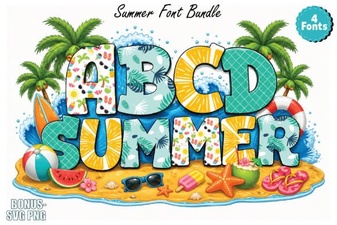 Best Summer Fonts for Your Creative Projects
 Sweet Creativity: Designing with the Sugar School Font
 Fonts for Your Next Spring Bracelet Project
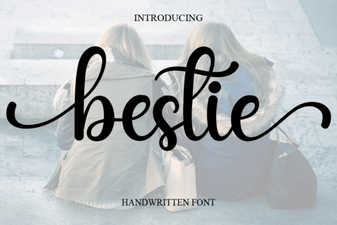 Bestie Font: Adding Personality to Your Designs
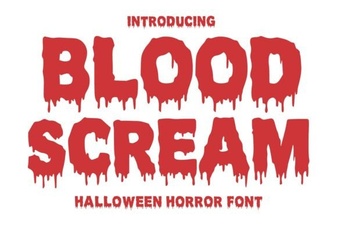 Blood Scream Font for Horror Project Designs
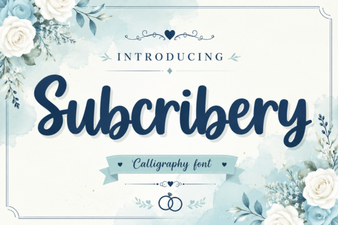 Modern Fonts for Projects & Designs