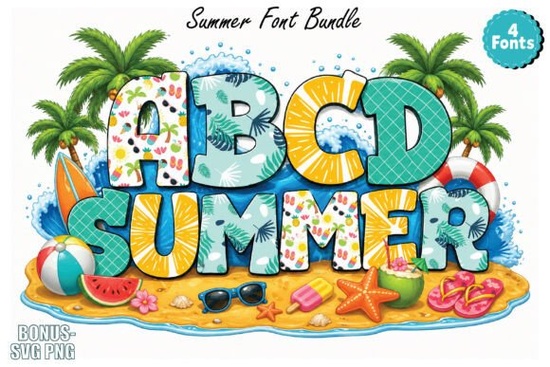
Creating seasonal merchandise requires typography that instantly communicates the right mood. The Summer Font provides exactly that by combining standard letterforms with hand-drawn beach elements, fruits, and sunny motifs. If you run a print-on-demand shop or design digital stickers, using built-in illustrations saves a massive amount of time. Instead of placing separate graphics around your text, the letters themselves carry the visual theme, making your layout process much faster and more cohesive.
What kind of projects work best with this doodle style?
When working with detailed, illustrated typography, contrast and scale are your best tools. This specific typeface shines in applications where the text acts as the main focal point. Print-on-demand sellers often use it for bold t-shirt graphics aimed at kids, family vacation shirts, or summer camp merchandise. Crafters find it highly effective for sublimation projects on insulated tumblers, beach towels, and canvas tote bags. Unlike traditional vinyl cutting where intricate details can be difficult to weed, sublimation allows every colorful doodle to transfer perfectly onto polyester fabrics and coated ceramics.
Because the characters feature bright colors and playful shapes, they also work perfectly for physical planners, party invitations, and social media templates. If you design digital products for online marketplaces, these cheerful letters make excellent cover graphics for printable coloring books or kids' activity sheets. If you want a slightly different seasonal vibe for your upcoming collection, you might also explore a playful school-themed typeface to transition your designs into late August back-to-school sales.
Why does the font preview look black and white?
A common point of confusion when browsing for new design assets is seeing a monochromatic preview for a product advertised as colorful. Please note that due to website system limitations, the initial preview on the product page may appear entirely in black and white. However, once you download and install the files on your computer, the full color renders properly.
To see the vibrant beach and fruit illustrations exactly as intended, you need to open the file in supported software. Applications like Adobe Illustrator, Photoshop, Canva, and Figma will display the multicolored glyphs correctly. When you type out your phrase in Canva, for example, the little pineapples, suns, and waves will appear in full color right on your screen. This makes it incredibly easy for small business owners who rely on web-based design tools to create professional graphics. Always test your installed files in your primary design program before starting a major client project to ensure your software fully supports color glyphs.
How do you pair this with other playful typography?
Mixing heavily illustrated typefaces with simpler scripts helps maintain readability. Since this summer-themed option is quite busy, it works best as a headline or a short, punchy phrase. For longer body text or secondary details like dates and locations on an invitation, you need a cleaner companion. A bright pastel script option can balance the visual weight when designing greeting cards or sticker sheets.
If you are working on a project that requires a bit more texture, pairing your main heading with a sparkly decorative font adds depth without overwhelming the reader. Building a diverse library of typography allows you to take on various client requests throughout the year. You can always find more inspiration by browsing this complete collection of seasonal colorful lettering to build a versatile toolkit for your small business.
A quick checklist for your first design
Before you send your new summer merchandise to the printer or list it in your online shop, run through these quick steps to ensure your colorful letters look crisp and professional.
- Check the background color: Since the letters contain multiple bright colors, place them on a solid white or dark navy background to make the details pop.
- Verify the software compatibility: Open the file in Canva or Adobe Illustrator first to confirm the color glyphs are rendering correctly rather than in black and white.
- Keep phrases short: Limit your text to two or three words so the hand-drawn doodle elements remain legible and do not clutter the layout.
- Export at a high resolution: For sublimation and print-on-demand t-shirts, always export your final artwork as a PNG at 300 DPI with a transparent background.
- Test the physical scale: Print a small sample on regular paper to ensure the fine details of the fruit and beach illustrations do not blur when scaled down for smaller items like stickers.
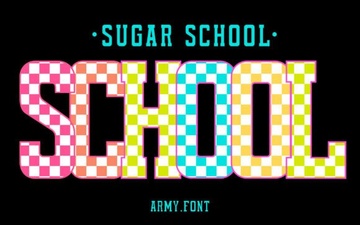 Sweet Creativity: Designing with the Sugar School Font
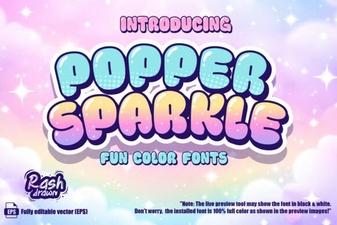 Sparkle Font Tips for Creative Design Projects
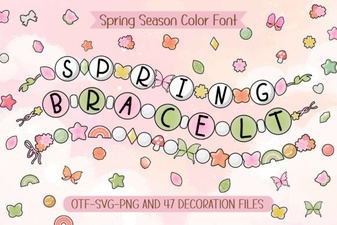 Fonts for Your Next Spring Bracelet Project
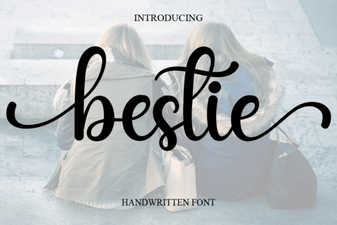 Bestie Font: Adding Personality to Your Designs
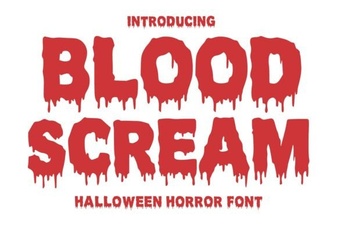 Blood Scream Font for Horror Project Designs
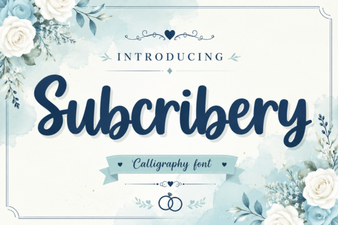 Modern Fonts for Projects & Designs