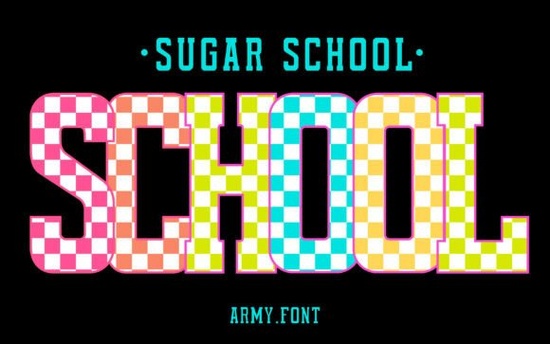
If you are looking to add a playful, organized vibe to your classroom decor or teacher merchandise, this playful checkerboard typeface is a fantastic choice. This design combines bold, chunky block letters with a classic checkerboard pattern nested inside each character. It is specifically made for educators, crafters, and print-on-demand sellers who want to create eye-catching "Teacher Life" apparel, bulletin boards, and school spirit graphics without spending hours designing from scratch.
What makes this checkerboard typeface stand out for school projects?
The design acts as a built-in canvas of color. Because the checkered pattern is already inside the letters, you do not need to manually apply patterns or clip masks to every single character. This saves a massive amount of time when you are making batch orders for school spirit week shirts or creating large vinyl decals for classroom doors. The geometry is playful but structured, which perfectly captures the feeling of a lively but organized learning environment.
Which software works best with the colored version?
It is important to know your software compatibility before downloading. The color version of this typeface works perfectly in professional programs like Photoshop and Illustrator. However, the OTF files for the color version might not work in other basic design programs or standard crafting software. If you use a different software, you can always use the standard solid version and apply your own colorful gradients, patterns, or textures manually to achieve the exact look you want.
How can crafters and POD sellers use this style?
There are so many practical ways to use this style for your small business or personal crafts. The bold lines make it highly readable from a distance, which is exactly what you need for visual materials.
- Teacher Apparel: Design matching t-shirts, tote bags, or coffee mugs for your grade-level team, club advisors, or staff appreciation gifts.
- Classroom Decor: Print vibrant welcome signs, student name tags, daily schedule boards, and behavior charts.
- Digital Planners: Add a fun, structured look to educational worksheets, digital stickers, and teacher lesson plan templates.
If you are putting together a back-to-school bundle for your shop, you might want to pair it with a bright summer typeface for end-of-year party invites. You can also mix it with a cute spring style for seasonal classroom newsletters. For a more whimsical touch on student reward charts, a sparkly alternative can add a nice contrast to the bold checks.
Where can I find similar educational and playful typefaces?
When you are building a library of resources for your design shop, having a variety of school-themed options is incredibly helpful. It allows you to create cohesive product lines that appeal to different teaching styles. You can browse the full collection of the Sugar School Font and other similar educational styles directly on the marketplace to see what else fits your aesthetic.
How do you cut this design with a vinyl machine?
If you are using a Cricut or Silhouette machine, working with multi-colored fonts can sometimes be tricky. Since the checkerboard is built into the color font, your cutting software might struggle to read the individual color layers for weeding. The best approach is to use the solid black or white version of the typeface in your cutting software. Once it is cut and weeded, you can use heat transfer vinyl in two different colors to create the checkerboard effect manually, or print the full-color design onto printable vinyl and cut around the outline.
Quick Checklist for Your Next School Craft Project
- Check your software compatibility before installing the colored OTF files to avoid missing characters.
- Use the solid version if your cutting machine software does not support multi-colored fonts natively.
- Test print a small piece of your vinyl or sublimation design to ensure the checkerboard pattern stays crisp at your desired size.
- Keep a backup of the standard solid files on your desktop just in case you need to change the background colors later.
- Always weld your letters in your design software before sending the file to your cutting machine to prevent overlapping cuts.
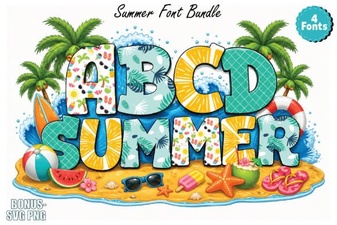 Best Summer Fonts for Your Creative Projects
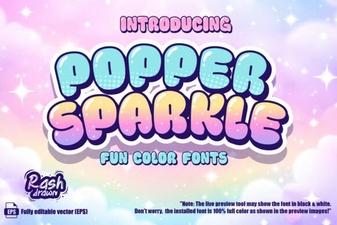 Sparkle Font Tips for Creative Design Projects
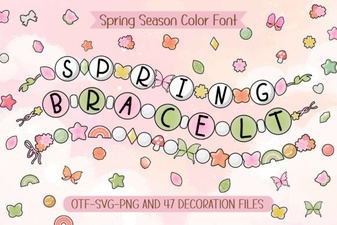 Fonts for Your Next Spring Bracelet Project
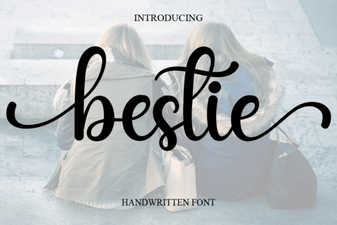 Bestie Font: Adding Personality to Your Designs
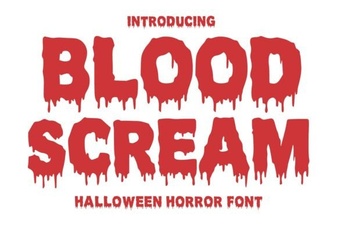 Blood Scream Font for Horror Project Designs
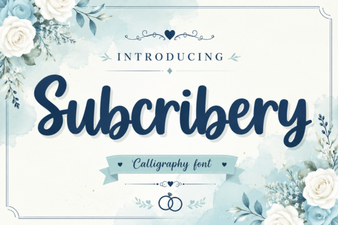 Modern Fonts for Projects & Designs